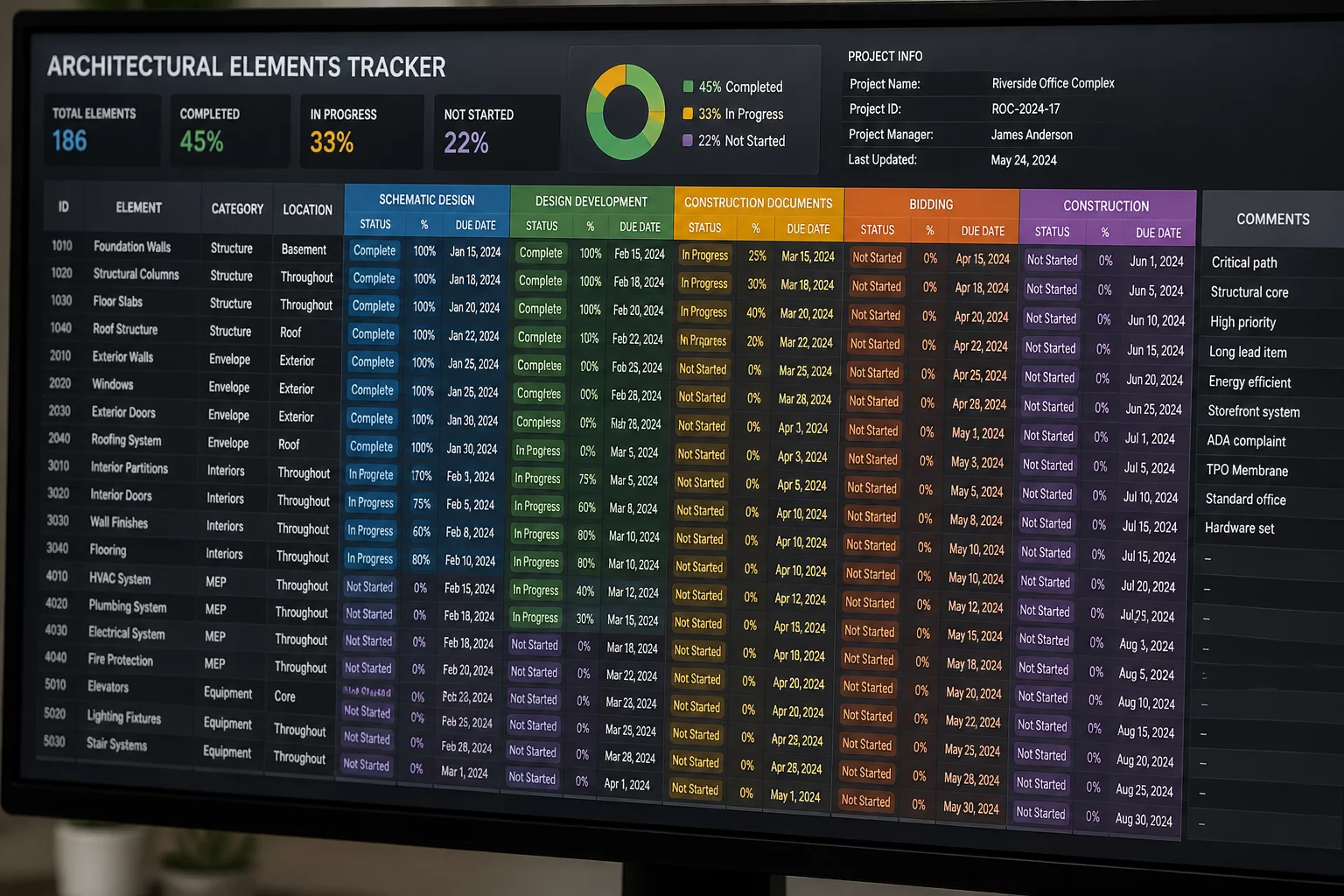
Tabular Phasing Architecture & Matrix Audits
In complex retrofit developments, 2D drawings often omit subtle element transitions. Embedding explicit phase parameters into dynamic worksheets creates transparent quantitative schedules, isolating existing assets, targeted demolitions, temporary staging, and new installations into unambiguous row-level datasets.
01 Core Data Schema & Row Filtering
Architectural worksheets serve as the numerical backbone for renovation projects. When models store phase attributes, spreadsheets must translate these 4D parameters into distinct data columns. Without strict categorical separation between Phase Created and Phase Demolished, automated element counts inevitably produce double counting across transitional phases.
Every structural component and architectural fixture requires discrete lifecycle markers. Worksheets query these attributes directly from the BIM database, allowing estimators, project managers, and conservation officers to filter elements by chronological stages rather than relying on ambiguous static legends.
The Conservation of Quantity Law in Phased Schedules
In any valid worksheet ledger, the total existing inventory at Phase 0 must exactly equal the sum of retained elements, relocated components, and demolished fabric across all subsequent milestones. If a row item lacks a designated termination phase, it automatically persists into the final constructed record.
Essential Worksheet Column Parameters
- Unique Element GUID and physical tag identifier linked to spatial zones.
- Explicit Phase Created and Phase Demolished timestamps per object.
- Element Disposition state (Existing to Remain, Demolish, Salvage, Temporary, or New).
- Material volume and unit quantification metrics categorized by trade contractor.
04 Frequently Asked Questions
Need Assistance Structuring Your Renovation Worksheets?
Consult with our BIM documentation specialists to implement robust phasing matrices, schedule formulas, and quantity reconciliation workflows across your building models.
05 Related Documentation
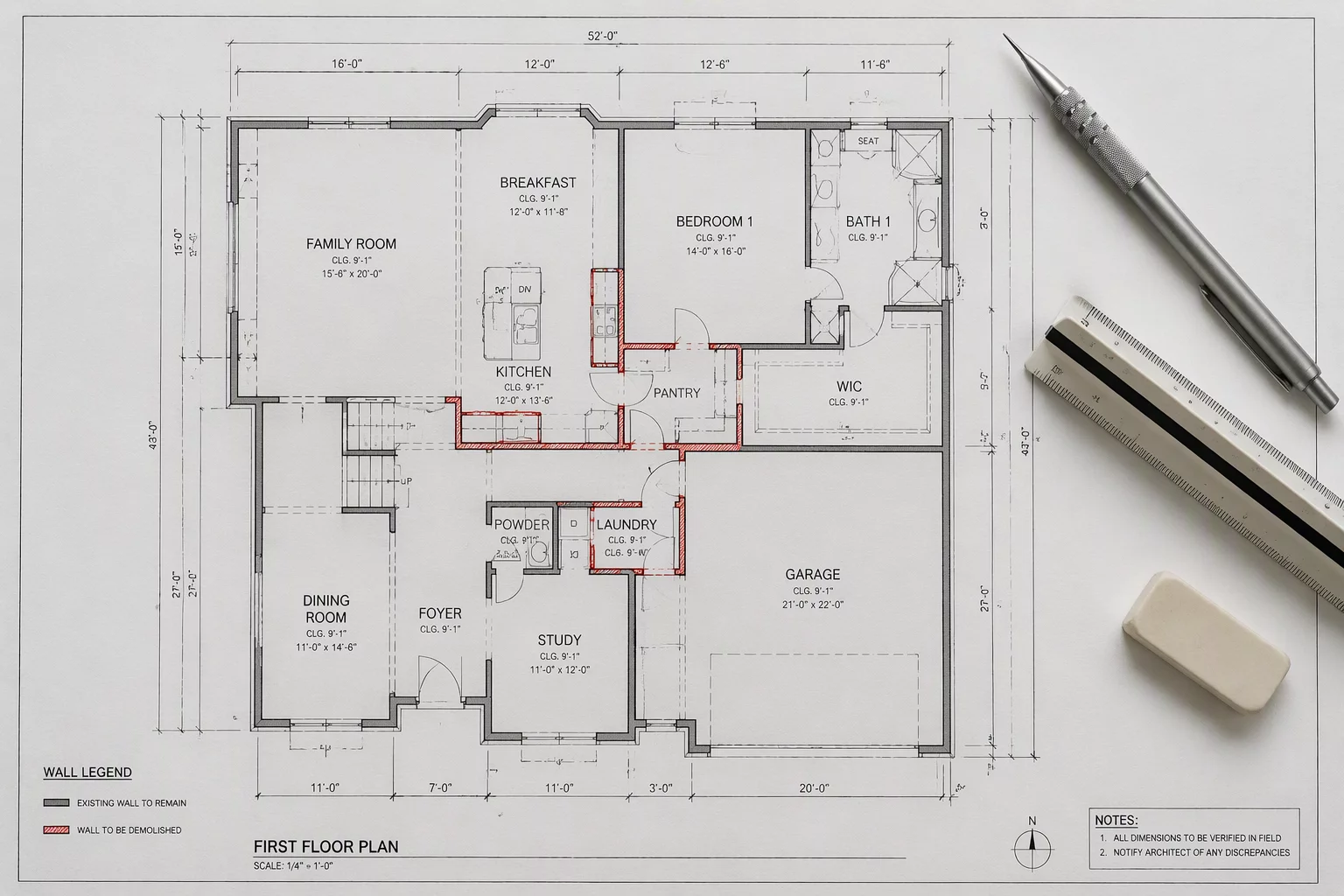
Understanding Object Timelines in Renovation
Comprehensive framework for mapping individual building components across temporal stages, demolition boundaries, and reconstruction phases.

Best Practices for Phase Overrides
Exploring graphical filter configurations, line weight overrides, and surface hatches to communicate multi-phase renovations clearly.